
The Ultimate Guide to Video Post Production: Elevate Your Content
Understanding Video Post Production
Video post production is a critical phase in the filmmaking process where raw footage is transformed into a polished final product. This stage involves editing, color correction, sound mixing, and visual effects, among other tasks. Mastering post production can significantly elevate the quality of your content and enhance viewer engagement.
Whether you're a seasoned filmmaker or a content creator, understanding the nuances of post production is essential. The process allows you to refine your story, correct mistakes, and add creative touches that make your video stand out.
The Editing Process
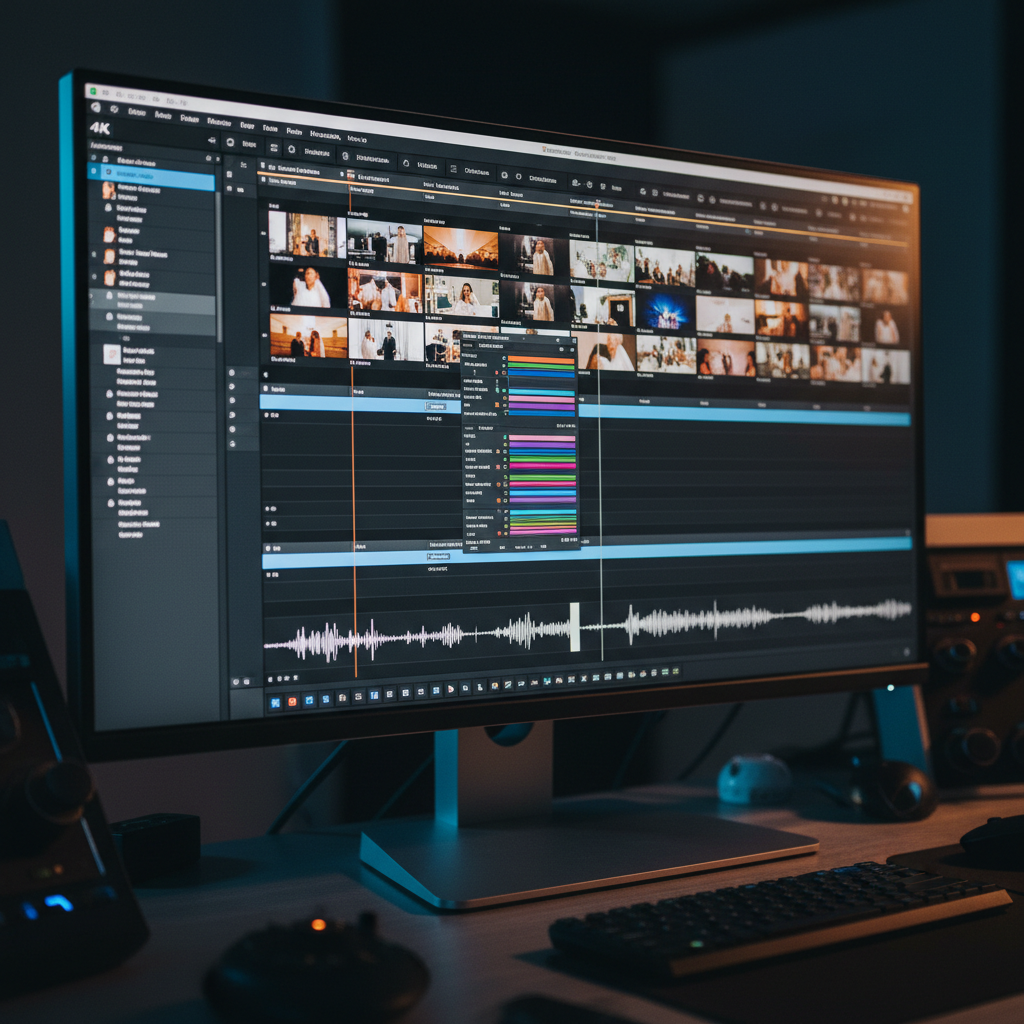
The first step in post production is editing, where you piece together the raw footage to create a coherent narrative. This involves trimming clips, arranging them in sequence, and adding transitions. A good editor knows how to pace a video effectively, ensuring that the story flows smoothly from start to finish.
Investing time in learning editing software like Adobe Premiere Pro or Final Cut Pro can pay dividends. These tools offer a range of features that allow you to manipulate footage with precision, adding a professional touch to your videos.
Color Correction and Grading
Color correction is the process of adjusting the colors in your video to achieve a consistent look. This step is crucial for maintaining visual continuity and ensuring that your video matches the mood and tone you envision. Once the colors are corrected, color grading can be applied to give your video a specific aesthetic or emotional feel.
Using tools like DaVinci Resolve can help you achieve stunning color effects. Remember, color can tell a story just as much as the content itself, so don’t overlook this step.
Sound Design and Mixing
Sound design is a vital component of post production that involves creating the audio landscape of your video. This includes adding sound effects, dialogue, and music. Good sound design can immerse your audience and enhance the storytelling experience.
Sound mixing, on the other hand, involves balancing these audio elements to ensure clarity and impact. Consider using software like Pro Tools or Audition to refine your audio tracks and make your video come alive.

Incorporating Visual Effects
Visual effects (VFX) can add a layer of magic to your video content, making it more engaging and visually appealing. Whether it's adding a simple title animation or creating complex CGI scenes, VFX can transform your video into something extraordinary.
Tools like After Effects can help you integrate visual effects seamlessly into your project. However, be mindful of overusing effects, as they should enhance, not overshadow, your content.
Finalizing and Exporting Your Video
Once all elements are in place, the final step is to export your video in the desired format. This involves choosing the right resolution, codec, and file type to ensure the best quality for your intended platform.
Before exporting, review your video one last time to catch any errors or areas for improvement. A well-finished video is a testament to your attention to detail and dedication to quality.
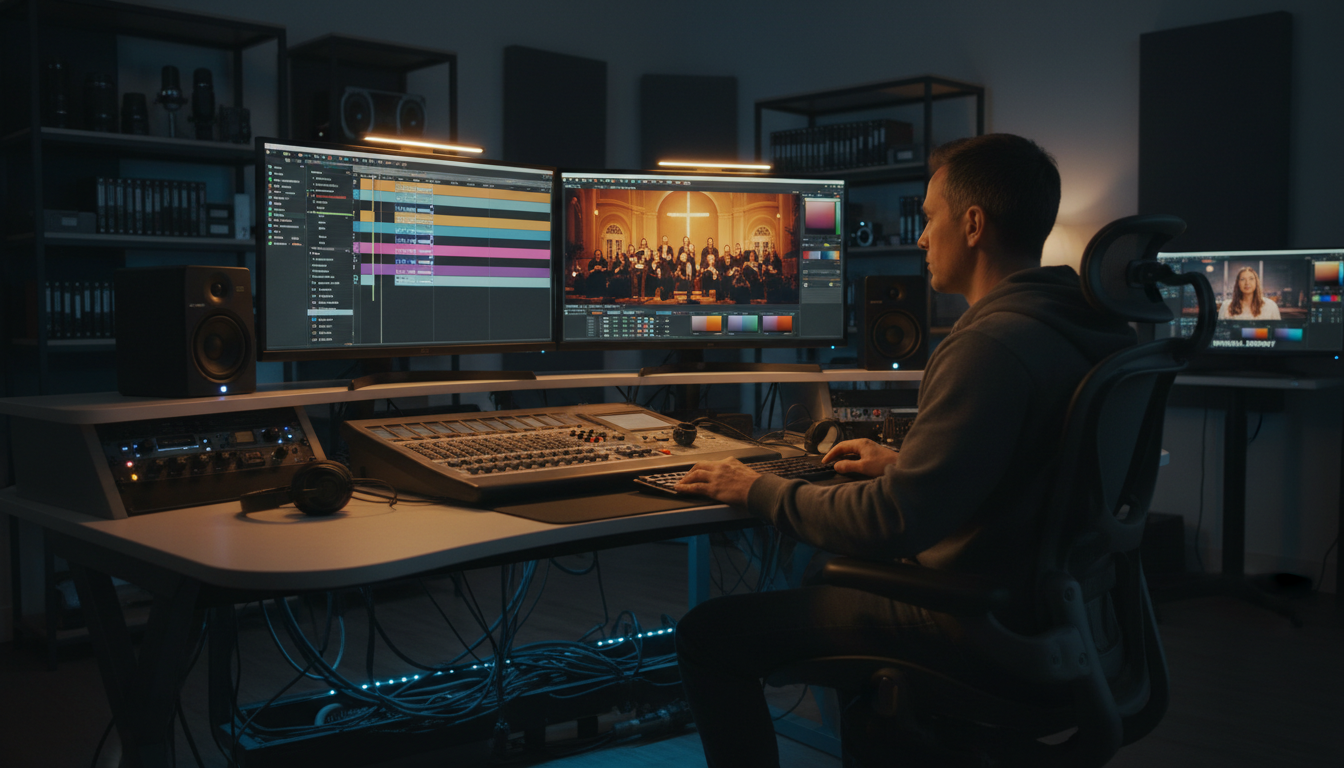
By mastering the art of video post production, you can elevate your content to professional standards. Each step, from editing to exporting, plays a crucial role in crafting a compelling and visually stunning video that captivates your audience.