
How to Prepare Your Footage for Post-Production Success
Understanding the Importance of Organizing Your Footage
Before diving into the creative aspects of post-production, it's crucial to have a well-organized collection of footage. Proper organization ensures that you can quickly find the right clips when needed, saving both time and frustration. Consider creating a logical folder structure that categorizes footage by date, scene, or project phase.
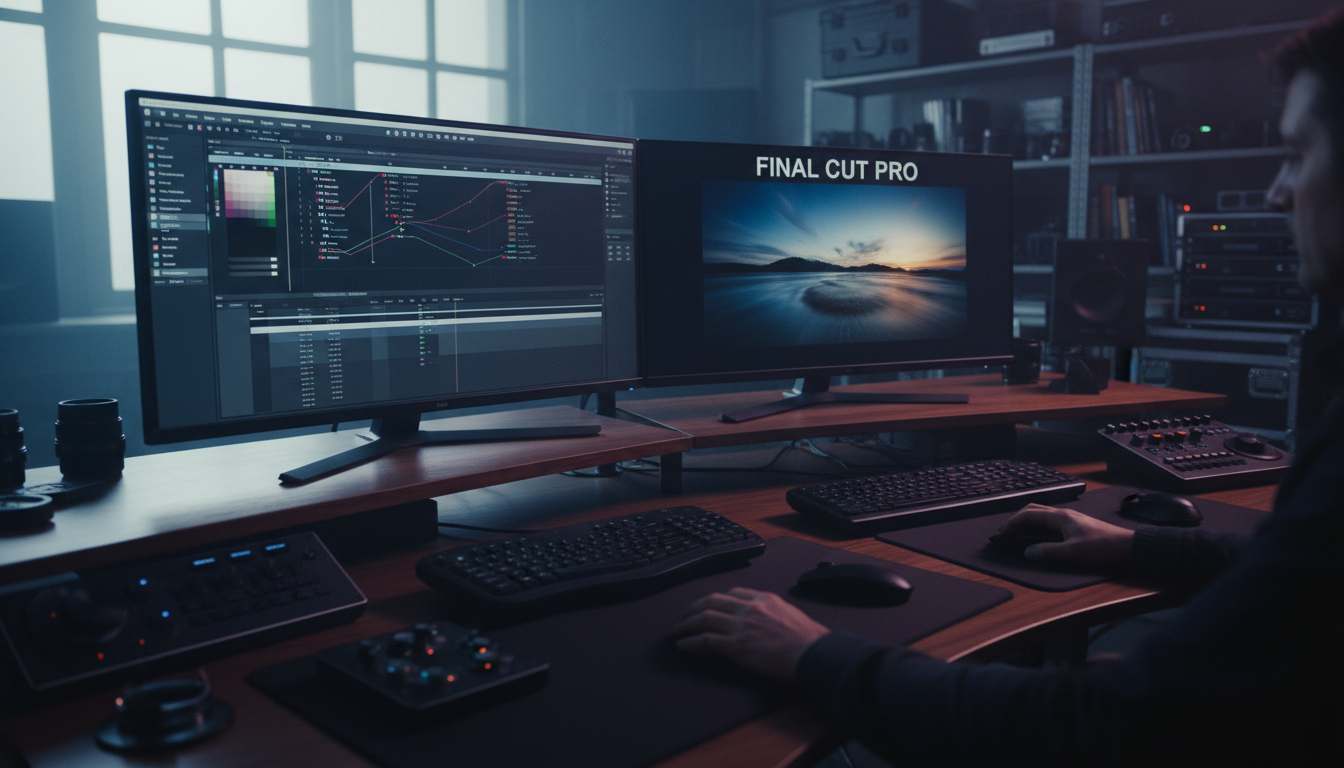
Renaming files with descriptive titles can also be immensely helpful. Instead of leaving files as generic numbers, use names that hint at the content, like "Interview_John_Smith_01." This approach makes it easier to identify clips at a glance during editing.
Backing Up Your Footage
Backing up footage is a critical step that cannot be overstated. Losing valuable footage due to technical failures can be devastating. Aim to have at least two backups stored in different locations. One should be a physical backup, such as an external hard drive, and the other could be a cloud-based solution for added security.
- External hard drive
- Cloud storage
- Network-attached storage (NAS)
Ensuring Proper File Formats and Codecs
Using the correct file formats and codecs is essential for a smooth post-production process. It’s important to confirm the compatibility of your footage with your editing software. Most editing platforms support a variety of formats, but sticking to widely accepted ones like MP4 or MOV is advisable.

If your footage is shot in a high-resolution format, ensure your system is capable of handling the data without lag. Converting footage to a proxy format can reduce strain on your system during editing while preserving the original quality for the final export.
Color Correction and Calibration
Before delving into detailed editing, perform a basic color correction pass on all your footage. This step ensures that lighting and color tones are consistent across clips, providing a seamless viewing experience. Utilize tools within your editing software to adjust exposure, contrast, and white balance.
- Adjust exposure and contrast
- Correct white balance
- Equalize color tones

Organizing Your Editing Timeline
Once your footage is prepared, organizing your editing timeline is the next logical step. Group related clips together and use markers to denote key points in your project. This practice aids in maintaining a clear overview of your work and allows for efficient navigation through the timeline.
Investing time in these preparatory steps sets a solid foundation for post-production success. By organizing, backing up, and properly formatting your footage, you ensure a smoother, more efficient editing process. This preparation not only saves time but also enhances the quality of your final product, making the effort well worth it.